Your photos, on your own map
100s of photos, no time to sort them?
Too busy on adventures to sort through all your photos? Just upload them – any location, date or time – and we do the hard work.
Enjoy looking back on your adventures on your own map, or share them with friends.
Free to start · Works with iPhone, Android and camera photos
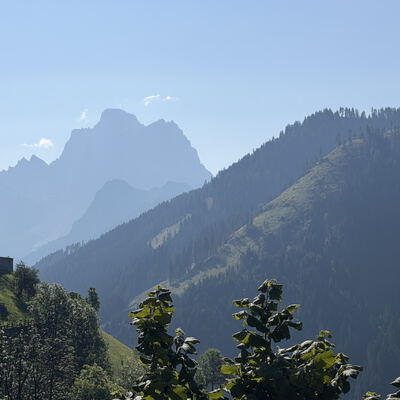
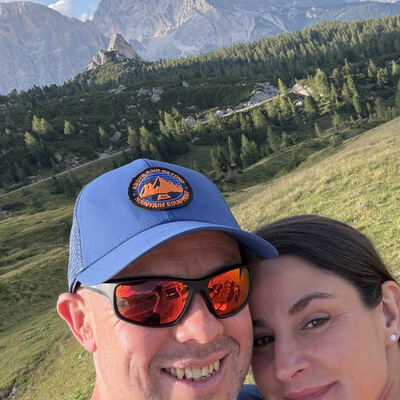
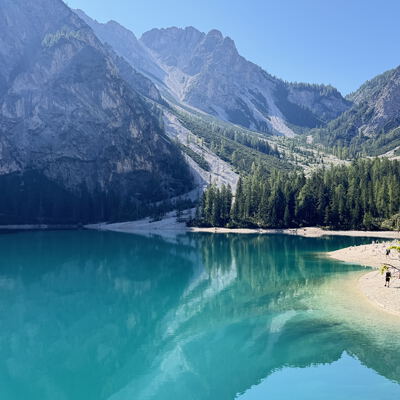
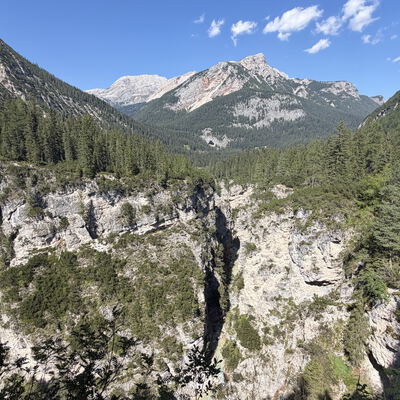


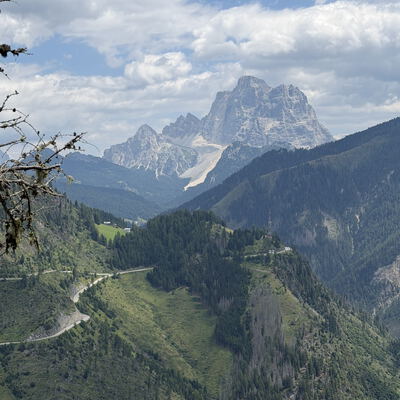
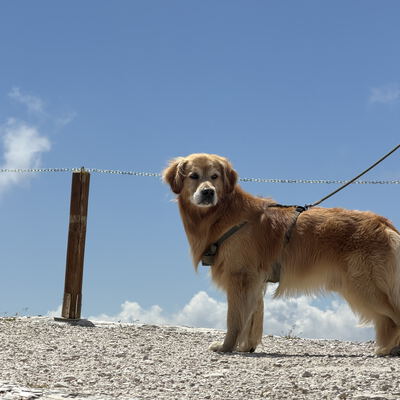
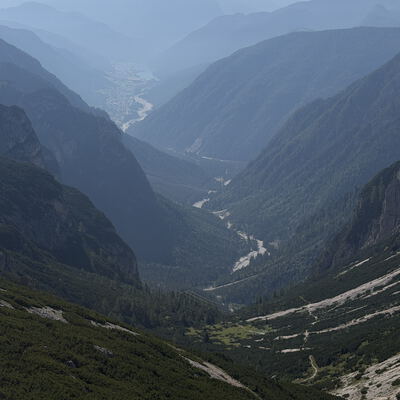
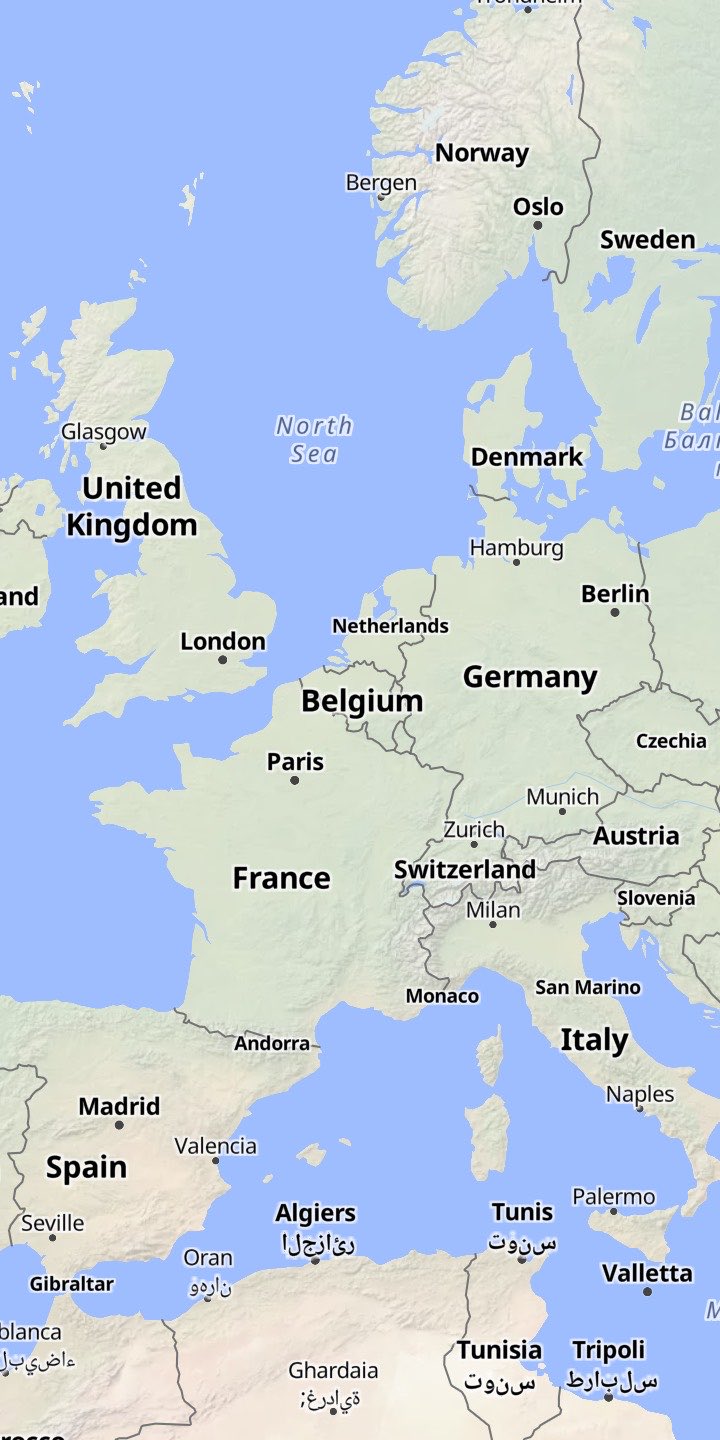
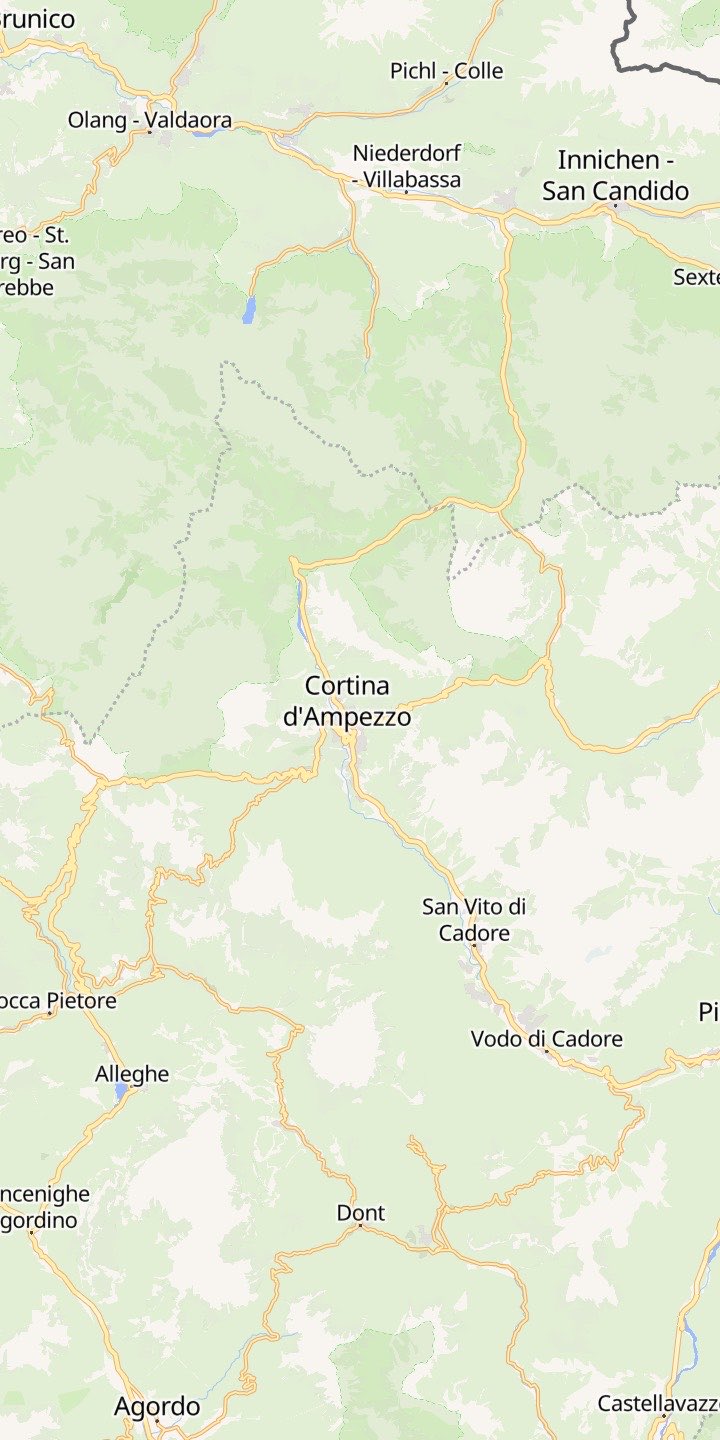
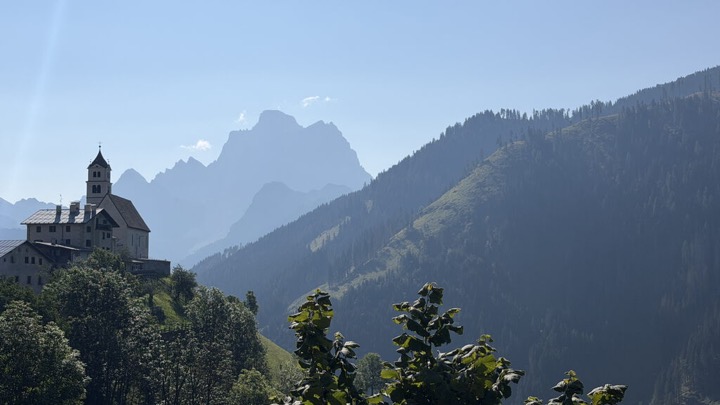
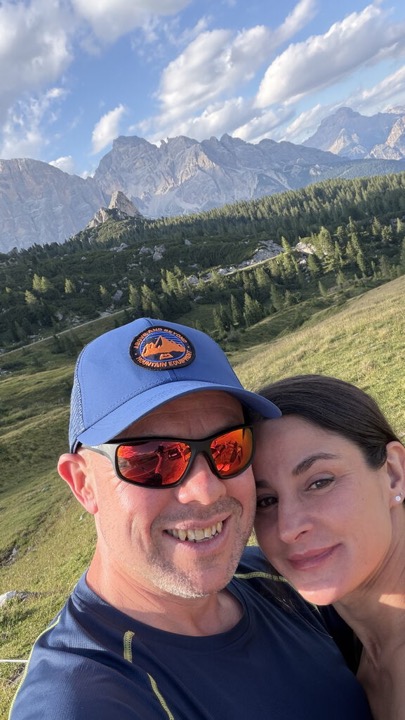
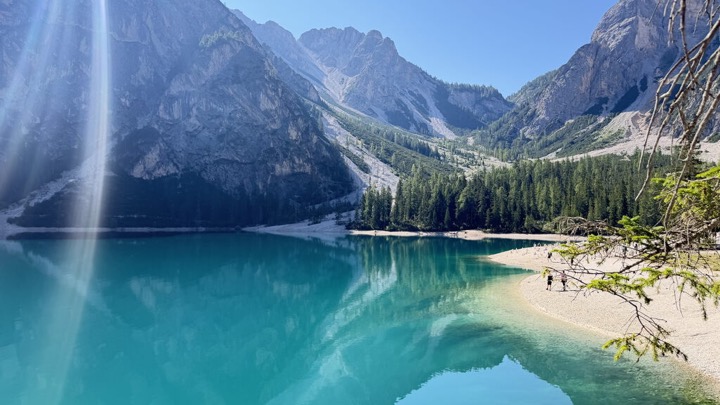
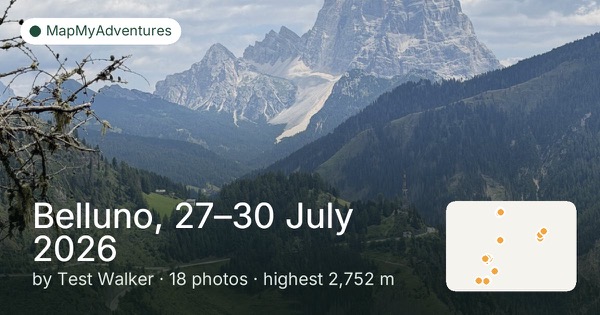
Just upload them – hundreds at a time
How it works
- 1
Upload
Choose photos on your phone or drag a whole folder in on a computer. HEIC, JPEG and more.
- 2
Process
We read each photo’s place and time and group them into adventures, named from where you went.
- 3
Explore & share
See every adventure on your map, flick through the photos, and share your page with friends.
Have a look around
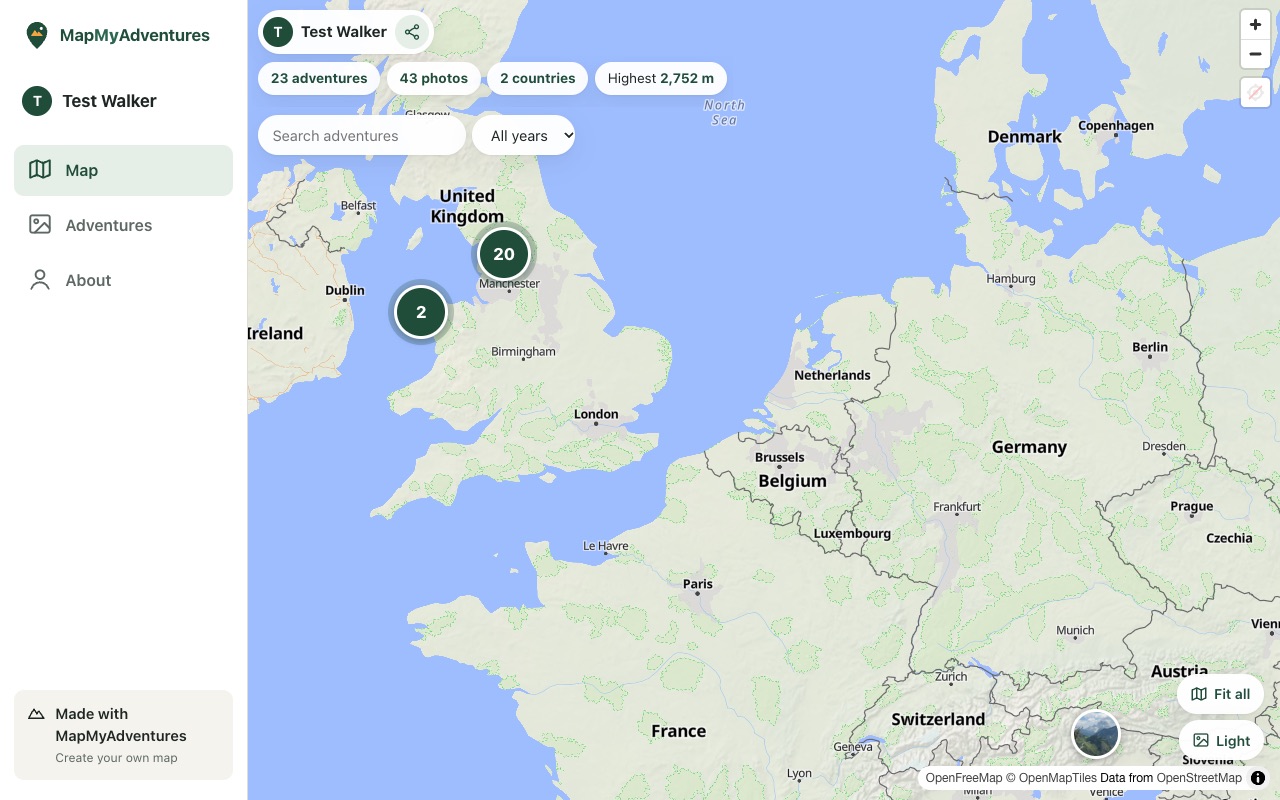
This is a real member’s map. Tap a photo to open an adventure.
Made for walkers, climbers and travellers
Works with your photos
iPhone HEIC, Android, camera JPEGs, PNG, WebP and AVIF. We convert everything for you.
Automatic adventures
Photos grouped by time and place, with dates, place names and the highest point reached.
Your own page
A public map at your own address to share, with good-looking previews in WhatsApp and social media.
Privacy built in
Private, link-only or public for each adventure, and a zone around home that’s never shown.
Your stats
Adventures, photos, countries and your highest point, all counted for you.
Fix anything
Rename, split, merge, move photos, or drop a pin for photos without a location.
Your own page to share
Every member gets an address of their own, like mapmyadventures.co.uk/yourname. Friends and family can browse your map, open an adventure and swipe through the photos, with no account needed.
You decide what they see. Keep some adventures to yourself, share others only by link, and hide everything near home.
Questions
Which photos work?
Photos from iPhones (including HEIC), Android phones and most cameras, plus PNG, WebP and AVIF. Each one needs the place it was taken (GPS) to go on the map; photos without it can be placed by hand.
Why are my iPhone photos missing their location?
When you choose photos in Safari or Chrome on an iPhone, Apple removes the location unless you ask it not to. In the photo picker, tap Options at the top and turn Location on before choosing your photos. Uploading from a computer (drag and drop) always keeps the location.
Do I need to install an app?
No. It works in your phone’s browser. You can add it to your home screen so it opens like an app.
Who can see my adventures?
You choose for each adventure: just you, anyone with the link, or everyone on your public page. You can also make your whole page private.
Can people see where I live?
Not if you set a home privacy zone. Photos taken near home are never shown to anyone else, and the photos we show never contain location data.
Where have you been?
Just upload your photos: we’ll sort them into adventures and put them on your map.
Start free