Help & FAQ
Quick answers to the things people ask most.
How to…
Upload your photos
- Tap Upload (the orange button).
- Tap Choose photos, or on a computer drag photos or a whole folder onto the box.
- When they’ve uploaded, tap Process photos. You can leave the page while we work.
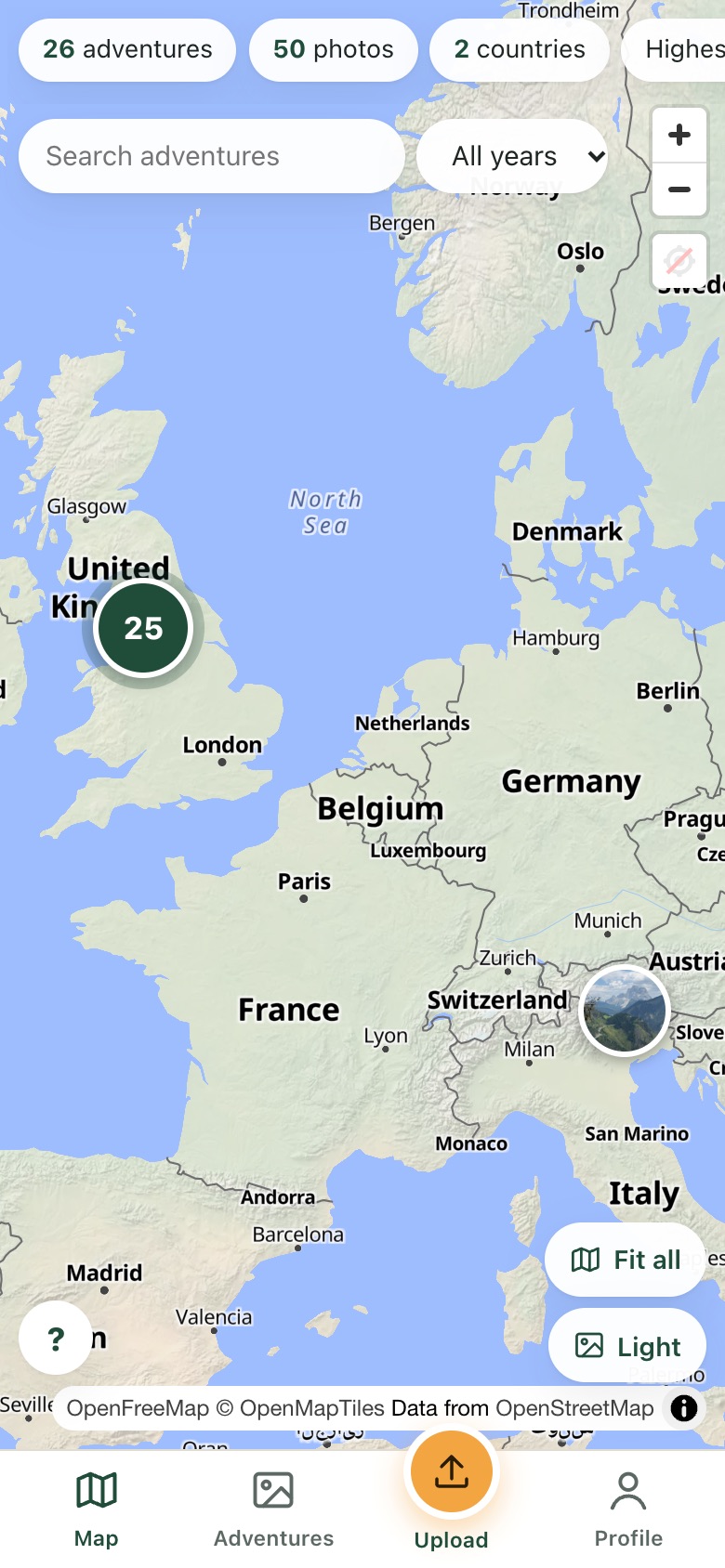
Fix photos with no location
- Open Adventures and tap the Unsorted photos tray (or open an adventure and tap Edit).
- Tap the photos to select them, then Fix location.
- Tap the map to drop a pin and Save pin, or choose Use nearest photo by time.
Rename, split or merge an adventure
- Open the adventure and tap Edit.
- Change the name or story and tap Save.
- To split, select the first photo of the new part and tap Split here. To join two, tap Merge with another adventure.
Share your page or an adventure
- Open Profile (or an adventure) and tap Share.
- Choose WhatsApp, Messages or anywhere else, or copy the link.
- Only Public adventures appear on your page; Anyone with the link ones are only seen by people you send them to.
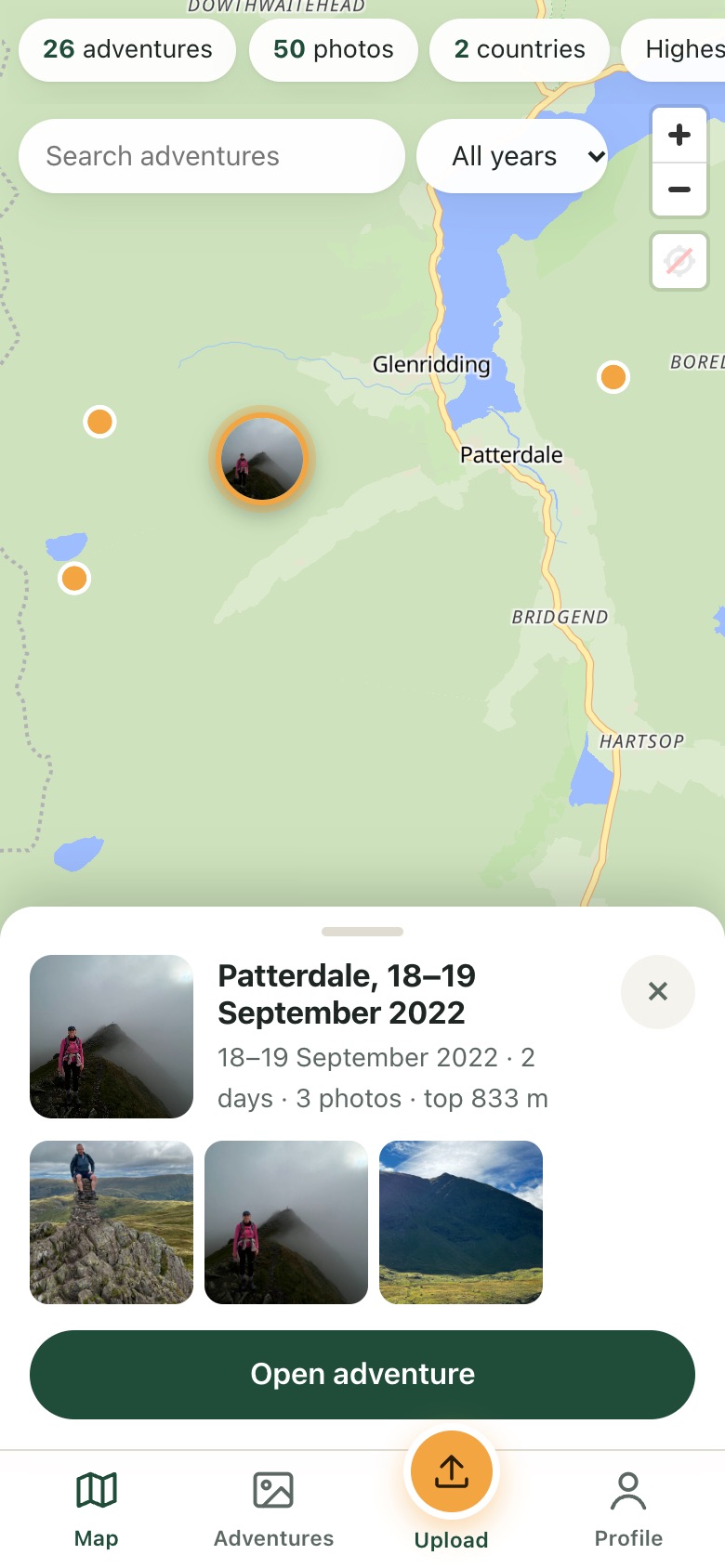
Keep your home private
- Open Profile and find Hide photos near home.
- Tap the map where you live and choose a distance.
- Tap Save. Photos inside that circle are never shown to anyone else.
Download or delete your data
- Open Profile and scroll to Your data.
- Tap Prepare a new download; we’ll email you a link to a zip of your original photos.
- To close your account, open Delete my account at the bottom of Profile.
Questions
Which photos work?
Photos from iPhones (including HEIC), Android phones and most cameras, plus PNG, WebP and AVIF. Each one needs the place it was taken (GPS) to go on the map; photos without it can be placed by hand.
Why are my iPhone photos missing their location?
When you choose photos in Safari or Chrome on an iPhone, Apple removes the location unless you ask it not to. In the photo picker, tap Options at the top and turn Location on before choosing your photos. Uploading from a computer (drag and drop) always keeps the location.
Do I need to install an app?
No. It works in your phone’s browser. You can add it to your home screen so it opens like an app.
Who can see my adventures?
You choose for each adventure: just you, anyone with the link, or everyone on your public page. You can also make your whole page private.
Can people see where I live?
Not if you set a home privacy zone. Photos taken near home are never shown to anyone else, and the photos we show never contain location data.
How are adventures made?
We sort your photos by time and place. A new adventure starts when there’s a long gap and you’ve moved a good distance, so a weekend away stays as one adventure. You can split, merge, rename and move photos whenever you like.
Can I cancel?
Yes, any time, from your profile. Your photos and adventures stay visible on the free plan; you just can’t add more beyond the free limits.
Still stuck? Get in touch.